
Stop political texts on iPhone
FingerWag helps filter campaign texts, fundraising pushes, polls, and voter outreach from unknown senders with rules you control. No uploads. No accounts. No tracking.
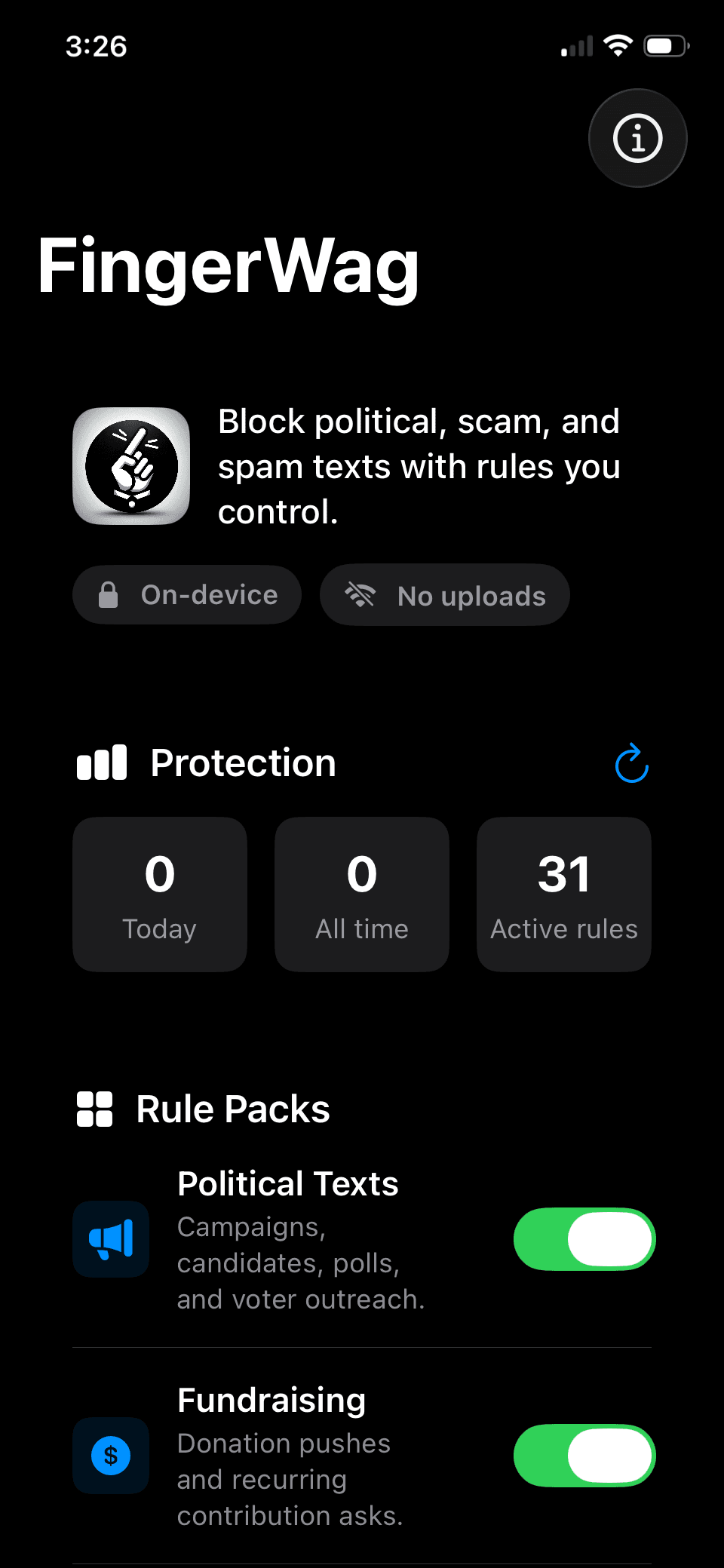
A practical filter for campaign text overload
Political texts often arrive from rotating numbers and overlapping campaign lists. FingerWag gives you a private rule-based layer for the political messages you already know you do not want.
Filter campaign language
Filter phrases tied to candidates, donation asks, polling, canvassing, election reminders, and campaign disclaimers.
Start with political rules
Turn on political and fundraising rule packs, then adjust or add your own rules as new campaign messages appear.
Stay private
Filtering runs locally on your iPhone. FingerWag does not need an account and does not upload political message text to a server.
How to enable text filtering
After installing FingerWag, turn it on in iOS Messages settings. Apple requires this step before any third-party message filter can work.
Open Manage Filtering
In iOS 26, open Messages, tap Filters, then Manage Filtering.
Choose Text Message Filter
Enable text message filtering. Older iOS versions may call this Unknown & Spam.
Select FingerWag
Once enabled, FingerWag can filter unknown text messages.
Learn how to stop political texts
Start with the core guides for reducing campaign texts and filtering repeated unknown-sender patterns on iPhone.
How to stop political texts
The main guide for using opt-outs, safe link habits, iPhone settings, sender blocking, and filtering rules together.
How to block political texts on iPhone
The iPhone workflow for blocking repeat senders, enabling message filtering, and handling recurring campaign language.
Political text and spam text guides
Browse the complete guide library for political texts, spam texts, reporting, STOP replies, and iPhone filtering.
Political text message examples
Recognize donation requests, surveys, voter reminders, and suspicious messages.
Why am I getting political texts?
Understand voter files, list sharing, and campaign outreach.
Should you reply STOP?
When opt-outs help, when they fail, and what to do next.
Stop campaign texts
Reduce campaign messages that keep coming from new numbers.
Political fundraising texts
Filter donation asks, match deadlines, and fundraising pushes.
Election text messages
Understand seasonal spikes and filter election outreach.
Get FingerWag for iPhone
FingerWag is available on the App Store for iPhone. Download it directly from Apple.

App Store reviews
FingerWag is rated 5.0 out of 5 on the App Store from 3 ratings.
No more political texts
Great app. Works well
Political Silence!!!
No more unsolicited spam texts. Incredible
Spam text questions
Can an iPhone app stop political texts?
An iPhone message filter can classify texts from unknown senders and send matching messages to Junk. FingerWag can filter political campaign, fundraising, polling, and voter outreach messages using rules you control.
Does FingerWag upload political text messages?
No. FingerWag is designed for on-device filtering. Your rules and filtering decisions stay on your iPhone.
Does replying STOP always work?
Replying STOP can work for legitimate senders, but political texting networks and list sources can be messy. FingerWag helps filter recurring political-message patterns even when new numbers keep appearing.